Updating Slurp'it is fairly easy when you have an Internet connection on the appliance, if not than read the following article: Upgrade your offline instance.
Update Minor Slurp't updates
Linux
- First turn off the system by running: down.sh
- Then turn on the system by running up.sh
Windows
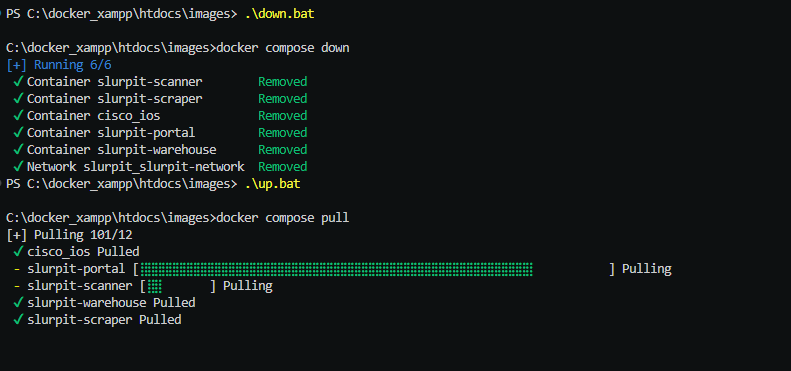
- First turn off the system by running: down.bat
- Then turn on the system by running up.bat
When the system is starting it will automatically try to download the latest version.
Major Slurp'it upgrade
Run the following script: major_upgrade.sh
This will update the Compose files, Make a backup and download the latest images.